Find your new roommate with our easy matching process.
Follow the steps below while in the Housing Portal to find the perfect roommate before July 1 prior to the start of the fall semester.
That’s all you need to do for this step.

“Turn on my profile” by checking the box at the top. This enables you to search for and be searched for as a roommate.
Select the things you are willing to share with others looking for a roommate and any information you would like to share about yourself and the media platforms you would like to use. SAVE.
“Roommate Search” now appears on the left. Use this to search for a compatible roommate.
If you already know who you want to live with, “Roommate Groups” is active. If you have been invited to a Roommate Group, it will appear here. Just select your choice or create a Roommate Group (instructions below).
If you are creating a Roommate Group, remember that if the student you’re adding to the roommate group has not completed a housing application, you will not be able to add them yet. They must have a completed housing application in the system to be invited to join a roommate group.
4a. Create a Roommate Group
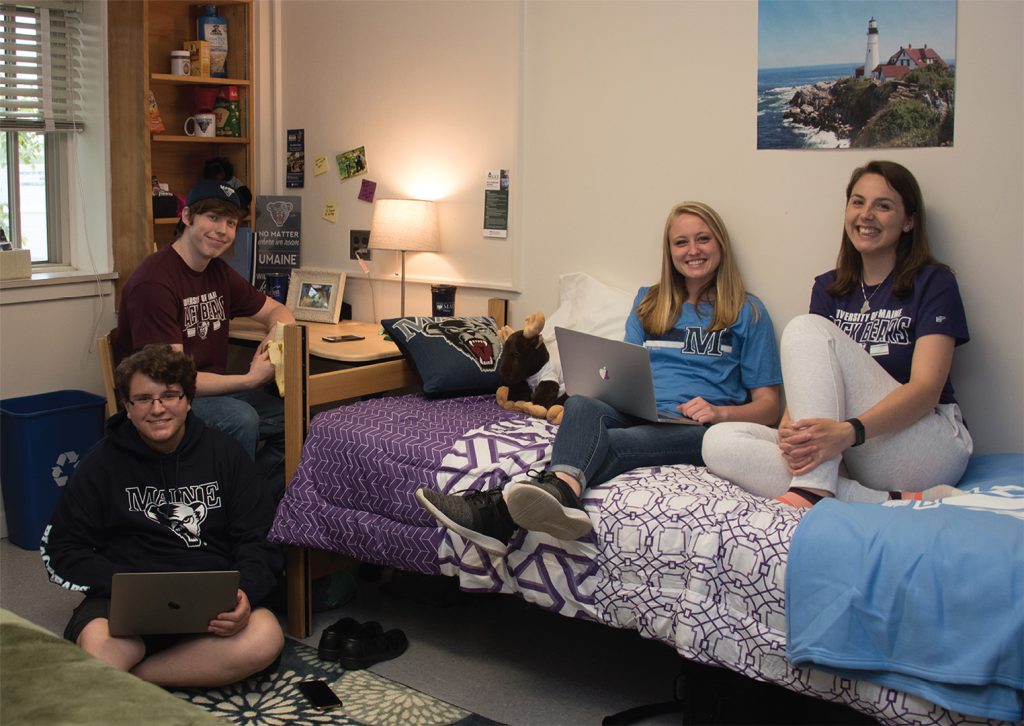
Room Changes & Roommate Swaps
If you find that a room situation isn’t ideal for you, Residence Life staff are here to help. Once the two-week room freeze is lifted at the start of each semester, students may reach out to their RA or Community Coordinator’s Office to inquire about a room change.
They will try to mediate between you and your roommate, and if there are still issues that cannot be resolved, they will initiate a room change for you. Res Life staff will submit a room change request to the Housing Services Office who will process the room change and update the student’s Mobile MaineCard access. You will receive a confirmation email regarding the room change with all the details.
Please note: Housing Services cannot make any changes to a student’s room assignment until the student’s Residence Life Staff sends in a Housing Change Request Form. Please check with your Res Life Staff if you have not heard anything about a requested room change.
Please do not swap rooms or roommates on your own!
Making a room change or roommate swap on your own could potentially open up security and/or safety issues and possible disciplinary action.
Once Housing Services is alerted to the desired room change, we will find an open spot for you to move to. We will then make you aware of the change acceptance along with the move-in day and time.