
Getting Started
When you get into the tool, there are a few initial tasks you will want to do first:
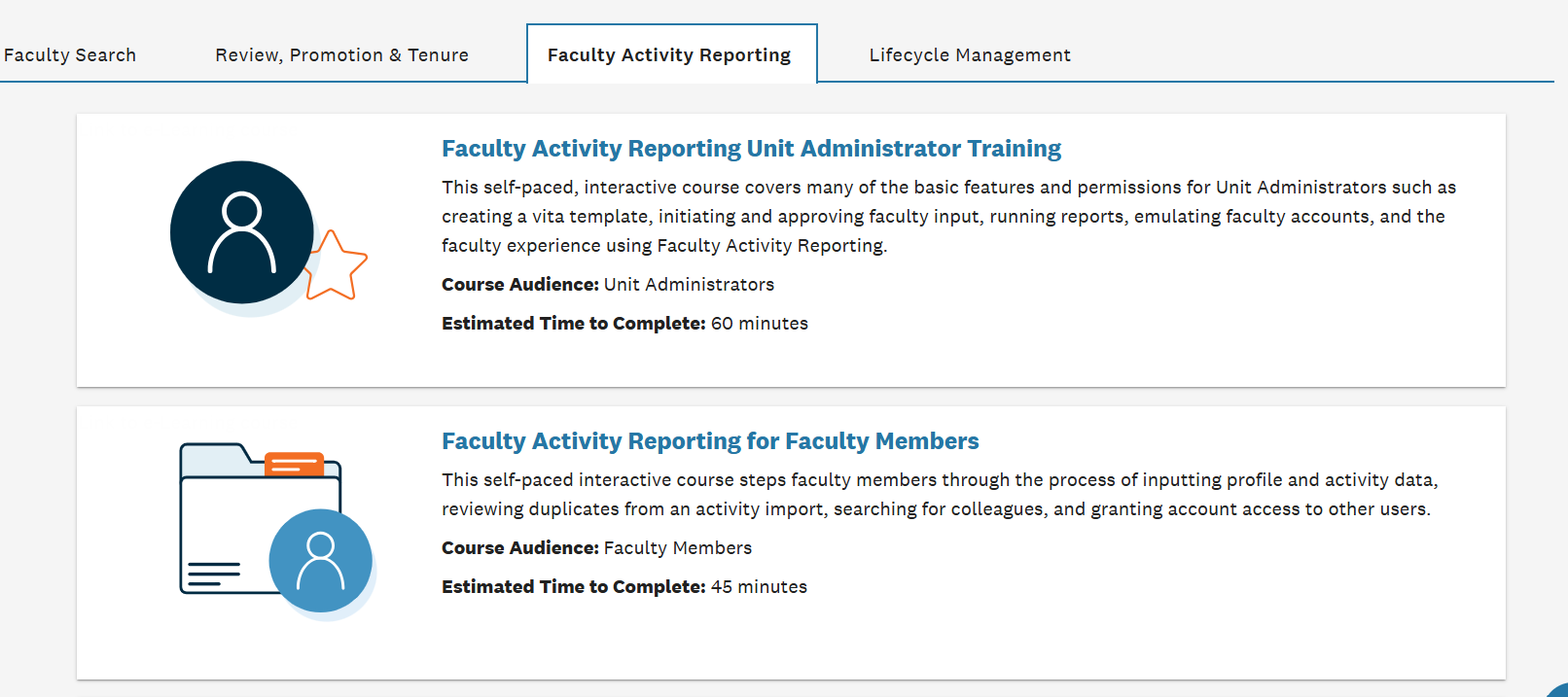
- Watch the Interfolio Faculty Activity Reporting for Faculty Members video. This can be found at the Interfolio product help site. To access, first click on the Faculty Activity Reporting tab. The Faculty Activity Reporting for Faculty Members is the second training video on the page.
- Review Pre-Populated Profile Info: Verifying basic administrative data (e.g., current rank, department, contact info, academic appointments) pulled automatically from MaineStreet. Please contact debra.allen@maine.edu with any questions about your HR data.
- Review and Correct Promotion and Tenure Info: We were not able to pull data before 2008, and there may be some inaccuracies with respect to the promotion and tenure data. Please correct anything that does not look correct.
- Review and Correct Migrated Records from the Faculty/Staff Profile Database: Please review the service, honors and awards, and scholarship data migrated into FAR from the Faculty Staff Profile Database and correct as needed. More information on the data that was migrated can be found at this link.
- Review Grants Information: Grants data was imported from the Office of Research Administration (ORA). Please email ora@maine.edu with any questions.
- Using the Interfolio Data Service (IDS), review and approve publication records automatically fetched by Interfolio’s centralized database. (Link to training video.)
- Linking External Profiles: Connecting accounts like ORCID, or importing publication files directly via BibTeX, Google Scholar, PubMed, or Crossref.